Boosting Your Home Office: The Latest Tech Upgrades for Productivity in 2026
The landscape of work has fundamentally shifted, with the home office becoming a permanent fixture for millions worldwide. As we step into 2026, the demand for efficient, comfortable, and highly functional remote workspaces continues to grow. Investing in the right home office tech upgrades isn’t just about convenience; it’s about optimizing your productivity, enhancing your well-being, and staying competitive in an increasingly digital world. This comprehensive guide will explore the essential tech upgrades you need to consider for your home office in 2026, transforming your workspace into a powerhouse of efficiency.
The evolution of technology has brought forth an array of innovations designed specifically to address the challenges and opportunities of remote work. From ergonomic solutions that prioritize health to smart devices that automate routine tasks, the options for improving your home office are vast. Our focus here is on practical, impactful upgrades that deliver tangible benefits, ensuring your investment translates directly into improved work performance and a more enjoyable work-life balance.
We’ll delve into various categories, including computing power, display technology, audio-visual equipment, networking solutions, smart office devices, and ergonomic advancements. Each section will provide insights into the latest trends and recommend specific products or features that are setting the standard for home office excellence in 2026. Get ready to revolutionize your remote work experience!
The Foundation: Computing Power and Performance
At the heart of every productive home office is a powerful and reliable computer. In 2026, the demands on our machines are higher than ever, driven by complex software, high-resolution media, and constant multitasking. Upgrading your core computing system is often the most impactful of all home office tech upgrades.
Next-Generation Processors and RAM
For seamless multitasking and rapid application loading, look for the latest generation of processors from Intel (e.g., Core i9/i7 16th Gen) or AMD (e.g., Ryzen 9/7 8000 series). These chips offer significant improvements in multi-core performance and energy efficiency. Pair this with at least 32GB of DDR5 RAM for future-proofing and effortless handling of memory-intensive applications like video editing, graphic design, or complex data analysis. For those working with heavy datasets or virtual machines, 64GB might be a worthwhile consideration.
Blazing-Fast Storage: NVMe SSDs
If you’re still using a traditional SATA SSD or, worse, a hard drive, an upgrade to a PCIe Gen 5 NVMe SSD is non-negotiable. These drives offer read/write speeds that are several times faster, drastically reducing boot times, application loading, and file transfers. A 1TB or 2TB NVMe SSD should be the minimum for your primary drive, with external NVMe enclosures offering portable high-speed storage solutions for larger projects or backups.
Graphics Cards for Every Need
While not every remote worker needs a top-tier gaming GPU, a dedicated graphics card can significantly improve performance for tasks beyond gaming. For video editors, 3D modelers, or even those who frequently use multiple high-resolution monitors, a mid-range to high-end discrete GPU (e.g., NVIDIA RTX 5000 series or AMD Radeon RX 8000 series) will accelerate rendering, improve visual fidelity, and ensure a smooth user experience. Even integrated graphics have made significant strides, but for serious productivity, a dedicated card remains superior.
Visual Clarity: Monitors and Display Technology
Your eyes spend countless hours staring at a screen. Investing in high-quality monitors is one of the most beneficial home office tech upgrades for both productivity and eye health.
Ultra-Wide and Dual Monitor Setups
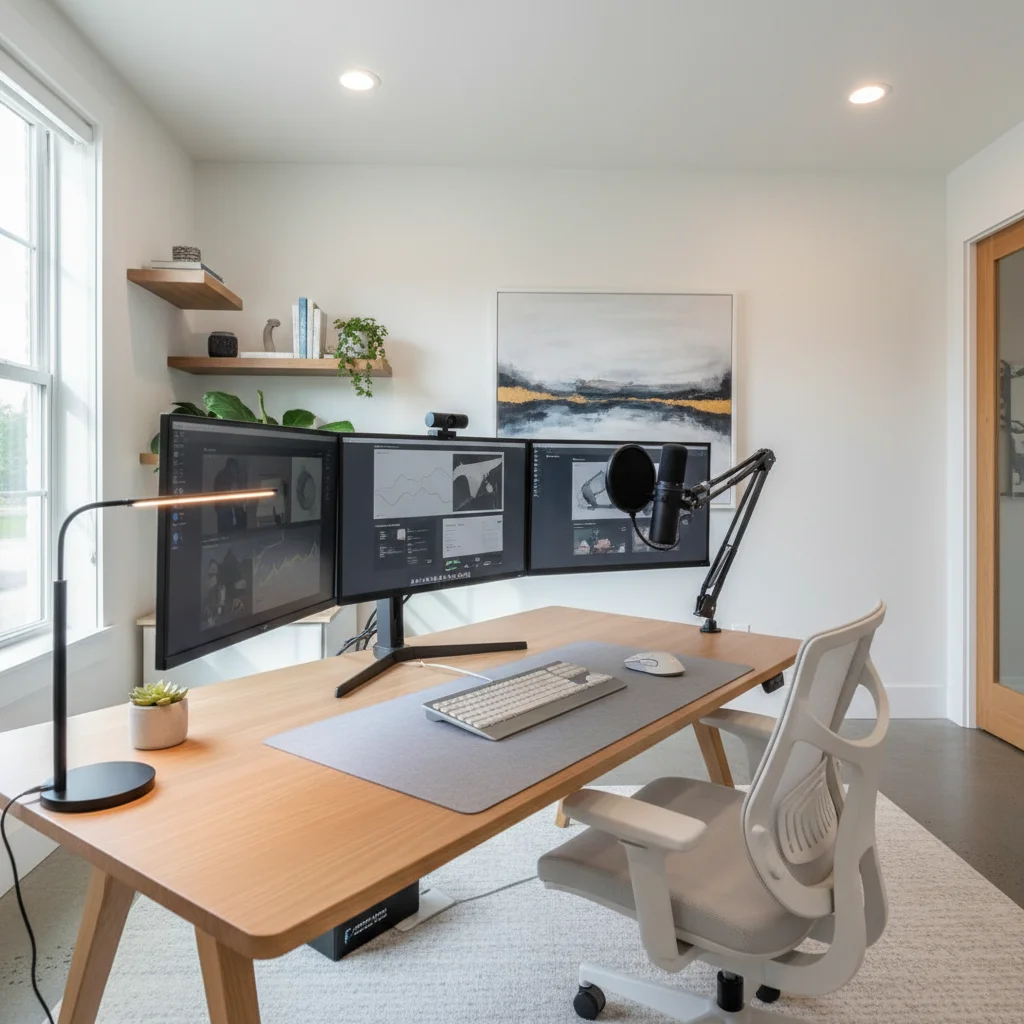
The trend towards ultra-wide monitors (21:9 or 32:9 aspect ratios) continues, offering an immersive experience equivalent to two or even three traditional monitors without the bezels. For maximum screen real estate, a dual 4K monitor setup (27-inch or larger) provides unparalleled multitasking capabilities. Look for monitors with high refresh rates (75Hz minimum, 120Hz or higher for smoother scrolling) and low response times to reduce eye strain.
OLED and Mini-LED Displays
For vibrant colors, true blacks, and exceptional contrast, OLED and Mini-LED displays are the gold standard. While often pricier, the visual fidelity is unmatched, making them ideal for creative professionals or anyone who values a premium viewing experience. These technologies also tend to offer better HDR performance, bringing your content to life.
Ergonomic Monitor Arms
Don’t just upgrade your monitors; upgrade how you position them. VESA-compatible monitor arms allow for flexible positioning, freeing up desk space and enabling ergonomic adjustments to reduce neck and back strain. Look for arms that support the weight and size of your chosen monitors and offer easy height, tilt, swivel, and pivot adjustments.
Crystal Clear Communication: Audio and Video Upgrades
In a world of virtual meetings and online collaborations, high-quality audio and video are no longer luxuries but necessities. These home office tech upgrades ensure you present yourself professionally and communicate effectively.
Professional Webcams
Built-in laptop webcams are often subpar. A dedicated 4K webcam with excellent low-light performance and autofocus (e.g., Logitech Brio 500 series or similar professional-grade cameras) will significantly improve your video quality. Some advanced webcams now feature AI-powered framing and background blur, keeping you centered and focused during calls.
Studio-Quality Microphones
Your voice clarity is paramount. Ditch the headset mic for a standalone USB condenser microphone (e.g., Blue Yeti, Rode NT-USB Mini, or Shure MV7). These microphones capture richer, clearer audio, making your voice sound professional and reducing listener fatigue. Consider a desk stand or boom arm to optimize positioning and minimize desk vibrations.
Noise-Canceling Headphones and Headsets
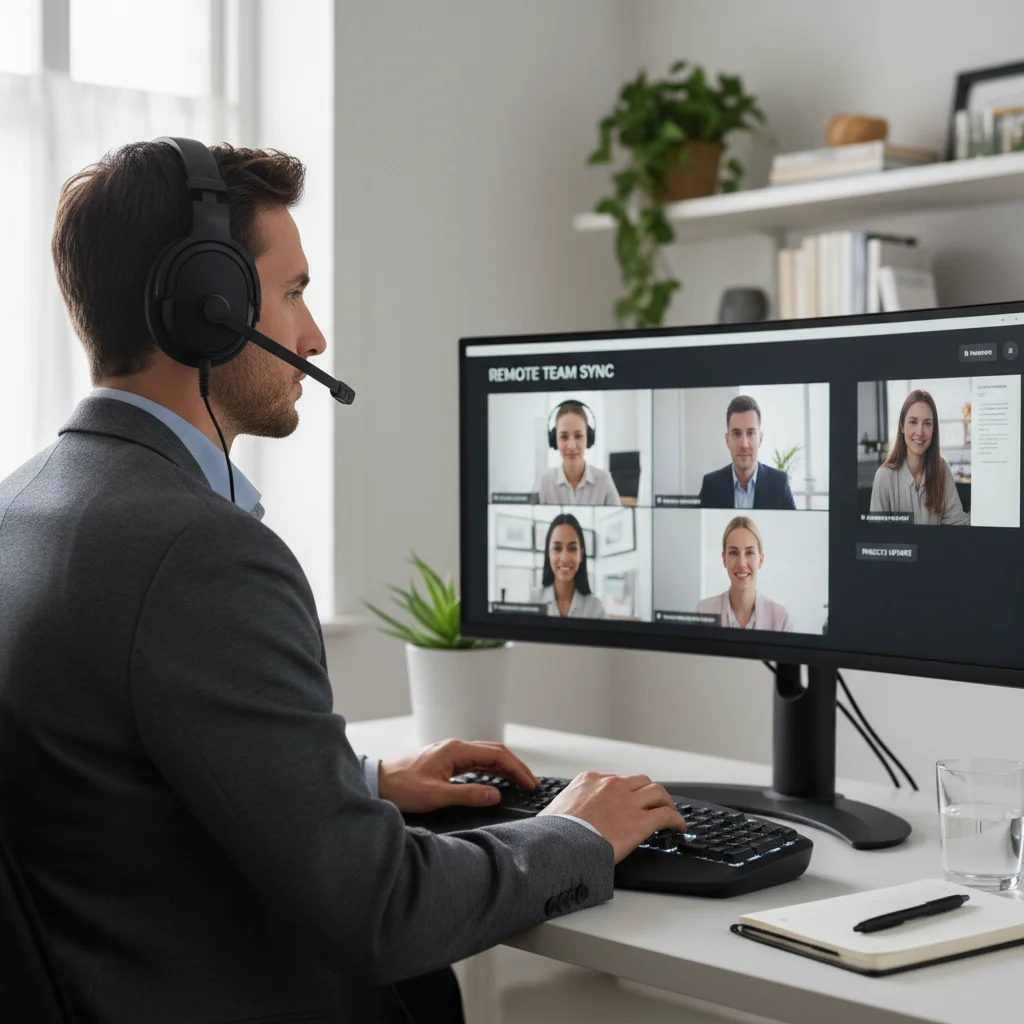
For focused work and clear communication, a pair of premium noise-canceling headphones (e.g., Sony WH-1000XM5, Bose QuietComfort Ultra) is invaluable. For calls, a dedicated headset with a good boom mic (e.g., Jabra Evolve series, Poly Voyager Focus) provides superior voice isolation and comfort during long meetings.
Staying Connected: Networking and Connectivity
A fast and stable internet connection is the backbone of any remote operation. These home office tech upgrades ensure you’re always connected and working at optimal speeds.
Wi-Fi 7 Router
Upgrade your home network with a Wi-Fi 7 (802.11be) router. While Wi-Fi 6E is still excellent, Wi-Fi 7 offers even greater speeds, lower latency, and improved capacity, especially in congested environments. This is crucial for seamless video conferencing, large file transfers, and cloud-based applications. Consider a mesh Wi-Fi system for larger homes to eliminate dead zones.
Gigabit Ethernet Adapters and Switches
For absolute reliability and speed, a wired Ethernet connection is always superior to Wi-Fi. If your computer lacks an Ethernet port, a USB-C to Gigabit Ethernet adapter is a simple and effective upgrade. For multiple wired devices, a small unmanaged Gigabit Ethernet switch can expand your network ports.
Powerline Adapters
If running Ethernet cables isn’t feasible and Wi-Fi is unreliable in your office, powerline adapters can turn your home’s electrical wiring into a network connection. While not as fast as direct Ethernet, they offer a stable alternative where Wi-Fi struggles.
Smart Office and Automation: Enhancing Efficiency
The smart home concept extends directly to the home office, offering automation and convenience that can significantly boost productivity. These home office tech upgrades add a layer of intelligence to your workspace.
Smart Lighting
Adjustable smart lighting (e.g., Philips Hue, Govee) allows you to set the perfect ambiance for different tasks and times of day. Circadian lighting features can even mimic natural daylight cycles, supporting better focus and reducing eye strain. Automate lights to turn on/off with your work schedule or based on your presence.
Smart Plugs and Power Strips
Control non-smart devices with smart plugs. Turn off monitors, chargers, or even a coffee maker remotely or on a schedule. Smart power strips protect your valuable electronics while offering individual control over each outlet, reducing phantom power drain.
Voice Assistants and Smart Displays
Integrate a smart speaker or smart display (e.g., Amazon Echo Show, Google Nest Hub) into your workflow. Use voice commands to manage your calendar, set reminders, check weather, play focus music, or even control other smart office devices, keeping your hands free for typing.
Desk Organizers with Wireless Charging
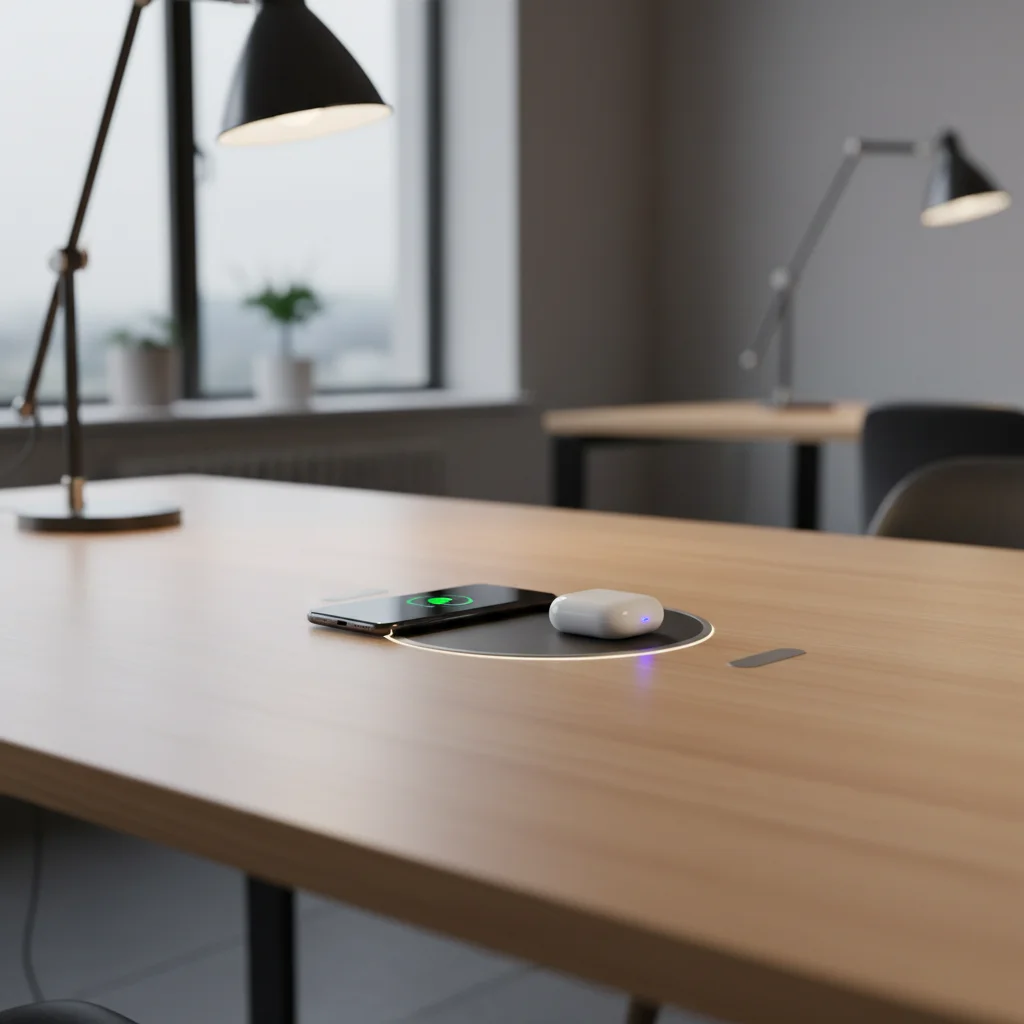
Declutter your desk while keeping your devices charged. Look for desk organizers that integrate wireless charging pads for your smartphone and earbuds. Some even include USB-C power delivery ports for laptops, simplifying cable management.
Ergonomics and Comfort: Investing in Your Health
Long hours at a desk can take a toll on your body. Ergonomic home office tech upgrades are crucial for maintaining health, comfort, and sustained productivity.
Ergonomic Office Chairs
A high-quality ergonomic chair (e.g., Herman Miller, Steelcase, Secretlab) is perhaps the most important investment for your physical well-being. Look for chairs with adjustable lumbar support, armrests, seat depth, and recline, all designed to support a healthy posture and reduce fatigue.
Standing Desks and Desk Converters
Alternating between sitting and standing throughout the day can significantly improve circulation, reduce back pain, and boost energy levels. An electric standing desk allows for easy height adjustments at the touch of a button. If a full desk replacement isn’t feasible, a standing desk converter can transform your existing desk.
Ergonomic Keyboards and Mice
Prevent repetitive strain injuries with an ergonomic keyboard (e.g., split designs, mechanical keyboards with proper wrist rests) and an ergonomic mouse (e.g., vertical mice, trackball mice). These are designed to keep your wrists and hands in a more natural, comfortable position.
Monitor Risers and Laptop Stands
Ensure your monitor is at eye level to prevent neck strain. A monitor riser or a laptop stand (when using an external keyboard/mouse) can elevate your screen to the correct ergonomic height.
Security and Privacy: Protecting Your Digital Workspace
As remote work becomes the norm, the security of your home office is paramount. These home office tech upgrades help protect your data and privacy.
Hardware Security Keys
Enhance your account security with hardware security keys (e.g., YubiKey, Google Titan Key). These physical keys provide a robust second factor of authentication, making it virtually impossible for unauthorized users to access your accounts, even if they have your password.
Network Attached Storage (NAS) with Encryption
For secure local backups and shared files, a NAS device offers centralized storage. Look for models with built-in encryption and RAID capabilities for data redundancy. This provides a private cloud solution without relying solely on public cloud services.
VPN Router
A VPN router encrypts all internet traffic flowing through your home network, protecting every connected device. This is especially useful for ensuring privacy and security when accessing company resources or handling sensitive information.
Smart Privacy Screens for Monitors
If you work in a shared space or simply value your privacy, smart privacy screens can limit the viewing angle of your monitor, preventing ‘shoulder surfing.’ Some advanced screens can even be toggled on/off electronically.
Power Management: Keeping Everything Running Smoothly
With an increasing number of devices, effective power management is critical to prevent disruptions and protect your equipment. These home office tech upgrades ensure uninterrupted workflow.
Uninterruptible Power Supply (UPS)
A UPS provides backup power during outages, allowing you to save your work and safely shut down your computer. It also offers surge protection, safeguarding your electronics from power fluctuations. For a typical home office, a UPS with 800-1500VA capacity should suffice.
USB-C Hubs with Power Delivery
Modern laptops often have limited ports. A high-quality USB-C hub with Power Delivery (PD) can expand your connectivity (USB-A, HDMI, Ethernet, SD card readers) while simultaneously charging your laptop with a single cable. Look for hubs that support at least 60W or 100W PD.
Cable Management Solutions
While not strictly ‘tech,’ effective cable management is crucial for a clean, safe, and productive workspace. Invest in cable sleeves, ties, clips, and under-desk trays to organize wires, reduce clutter, and prevent tripping hazards. A tidy workspace contributes to a tidy mind.
Specialized Tools for Specific Professions
Depending on your profession, certain home office tech upgrades might be particularly beneficial:
- For Designers/Artists: A high-resolution drawing tablet (e.g., Wacom Cintiq, XP-Pen Artist Pro) or a powerful graphics workstation.
- For Programmers/Developers: Mechanical keyboards with programmable macros, specialized coding monitors (e.g., vertical orientation), and powerful virtual machine capabilities.
- For Content Creators/Streamers: Dedicated capture cards, stream decks (e.g., Elgato Stream Deck), professional lighting kits (e.g., Elgato Key Light), and high-fidelity audio interfaces.
- For Data Analysts/Financial Professionals: Multiple high-resolution monitors, powerful processors with ample RAM for complex calculations, and specialized ergonomic keypads.
- For Educators/Trainers: Interactive whiteboards, document cameras, and robust presentation tools for engaging online sessions.
Considering these specialized tools ensures that your home office is not just generally productive but also perfectly tailored to the unique demands of your work.
Future-Proofing Your Home Office
When making home office tech upgrades, it’s wise to consider longevity and adaptability. Technology evolves rapidly, but certain choices can help you stay ahead of the curve:
- Modularity: Opt for components that can be easily upgraded or replaced, such as desktop PCs over all-in-one solutions, or monitors with standard VESA mounts.
- Universal Connectivity: Prioritize devices that use universal standards like USB-C with Power Delivery, Thunderbolt, and Wi-Fi 7, which will remain relevant for years to come.
- Software Integration: Choose hardware that integrates well with your preferred operating system and productivity software, ensuring a seamless user experience.
- Energy Efficiency: Modern tech is often more energy-efficient. Look for ENERGY STAR certified products to reduce your carbon footprint and electricity bills.
By thinking about these aspects, you can build a home office that not only meets your current needs but also flexibly adapts to future technological advancements and workflow changes.
The Psychology of a Well-Equipped Home Office
Beyond the tangible benefits of speed and efficiency, the right home office tech upgrades can have a profound psychological impact. A well-designed and technologically advanced workspace can:
- Boost Morale: Working with reliable, high-performing tools reduces frustration and makes tasks more enjoyable.
- Enhance Professionalism: High-quality audio-visual equipment ensures you always make a good impression in virtual meetings.
- Reduce Stress: Automation and organization free up mental energy, allowing you to focus on core tasks rather than technical glitches or clutter.
- Improve Work-Life Boundaries: A dedicated, optimized workspace can help create a clear separation between work and personal life, even within the same home.
- Foster Creativity: A comfortable and distraction-free environment is conducive to deep work and innovative thinking.
Ultimately, the investment in your home office is an investment in yourself and your career. It’s about creating an environment where you can thrive, innovate, and achieve your full potential.
Conclusion: Your 2026 Home Office Transformation Awaits
The year 2026 presents an exciting opportunity to redefine your remote work experience. By strategically implementing these home office tech upgrades, you can create a workspace that is not only highly efficient and productive but also comfortable, secure, and inspiring. From the foundational power of your computing system to the nuanced benefits of smart automation and ergonomic design, every upgrade contributes to a more streamlined and enjoyable workflow.
Remember to assess your individual needs, budget, and the specific demands of your profession when prioritizing your upgrades. Whether you’re a seasoned remote worker or new to the home office environment, investing in the right technology is a crucial step towards maximizing your potential and thriving in the evolving world of work. Embrace the future of remote work by transforming your home office into the ultimate productivity hub for 2026 and beyond.